SATA SSD vs. NVMe SSD vs. HDD in 2026: Do You Still Need Spinning Storage?
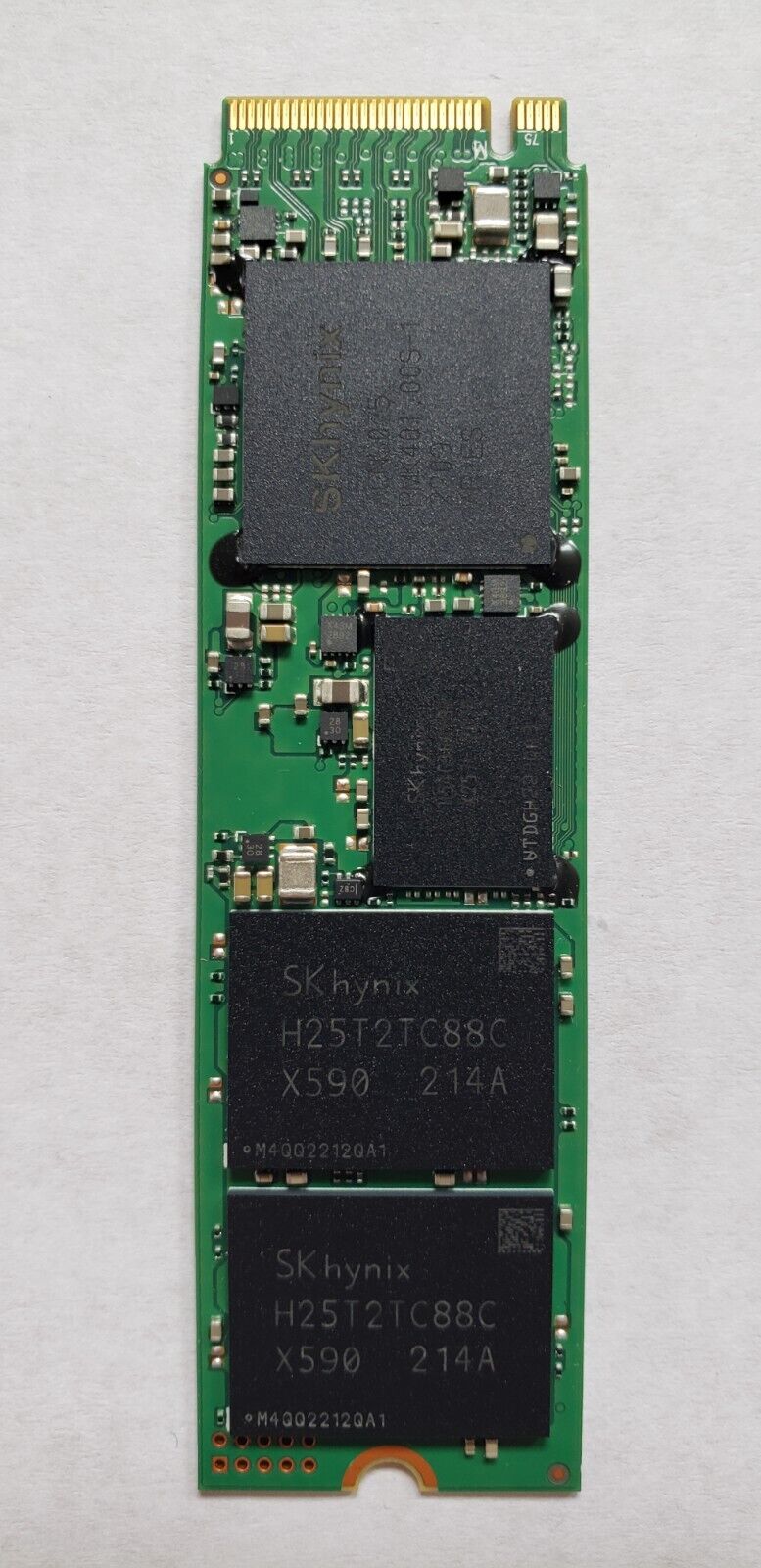
Storage is one of the few PC components where three genuinely different technologies still compete for the same slot in 2026: the traditional spinning hard drive, the SATA solid-state drive, and the NVMe SSD that now ships in nearly every laptop we cover. Anyone building a desktop or shopping for a laptop still runs into the question of whether the extra cost of NVMe is worth it everywhere, or whether an HDD still earns a place for certain jobs. This guide walks through what actually separates the three, using real products from our own catalog to illustrate how far things have shifted over the last decade.
The Three Technologies, Briefly
A hard disk drive stores data magnetically on spinning platters read by a moving arm, which makes it mechanically slow but historically cheap per gigabyte. A SATA SSD replaces the platters with flash memory but keeps the older SATA interface, capping throughput at roughly 550 MB/s regardless of how fast the flash chips inside actually are. An NVMe SSD skips the SATA bottleneck entirely and talks to the CPU directly over the PCIe bus, unlocking sequential speeds that are many times higher and, just as importantly, far lower latency for the small random reads that make a system actually feel responsive during everyday use.
How Far Laptop Storage Has Come
Our own review catalog is a good illustration of this shift. The ThinkPad X1 Carbon (2nd Gen, 2014) shipped with a 256GB SSD — impressively fast for its era, but modest by any current standard, and notably not NVMe, since the standard barely existed for laptops in 2014. Every laptop in our current catalog, by contrast, ships with a 1TB PCIe 4.0 NVMe SSD as standard, which says a lot about how quickly the interface became the default rather than the premium option. For a closer look at how the newest NVMe generations compare to each other, our NVMe Gen4 vs. Gen5 buying guide covers that generational jump in more detail, and our storage category hub tracks the full range of drives we've reviewed and referenced across the site.
Does the HDD Still Have a Place in 2026?
For a primary boot drive, no — even the cheapest NVMe SSDs are now affordable enough that there's little reason to boot Windows or macOS from a mechanical drive. Where HDDs still make practical sense is in bulk, cold storage: large media libraries, backup targets, network-attached storage boxes, and archival footage that doesn't need to be read quickly or often. The cost-per-gigabyte gap between HDDs and SSDs has narrowed significantly over the past several years, but it hasn't closed completely, especially at the multi-terabyte capacities where bulk archives tend to live. A desktop build with both an NVMe boot drive and a secondary HDD for storage remains a genuinely sensible configuration for anyone with a large media or backup footprint, even in 2026.
SATA SSD: The Awkward Middle Tier
SATA SSDs occupy an increasingly narrow niche. They're still meaningfully faster than any HDD for everyday responsiveness, but they no longer carry the price advantage they once had over entry-level NVMe drives, since NVMe controllers and flash have both gotten cheaper to produce at scale. The main place SATA SSDs still make sense is in older systems that physically lack an M.2 NVMe slot, or as a budget-friendly secondary drive added to a desktop that already has an NVMe boot drive occupying the fastest slot on the motherboard. Outside of those specific scenarios, there's rarely a strong reason to pick SATA over NVMe when building or upgrading a system today.
Practical Recommendations
- Laptop or ultrabook boot drive: NVMe is standard practice at this point, and every product in our current catalog reflects that.
- Desktop boot drive: NVMe, ideally Gen4 or newer for a comfortable margin on load times and file transfers.
- Bulk media, backups, or archival footage: an HDD remains the most cost-effective option per terabyte, especially at 8TB and above.
- Upgrading an older desktop that lacks an M.2 slot: a SATA SSD is still a worthwhile upgrade over spinning storage, even if it's no longer the fastest option available.
Reliability and Longevity Considerations
Mechanical drives fail differently than solid-state ones: HDDs are vulnerable to physical shock and wear on moving parts, while SSDs eventually wear out flash cells after enough write cycles, though modern controllers manage wear leveling well enough that this rarely matters for typical consumer use. Neither technology is immune to failure, which is why backup strategy matters more than the storage technology itself — a single drive of any type, mechanical or solid-state, should never be the only copy of anything irreplaceable. For desktop builders weighing reliability, redundant storage (multiple drives, whether HDD or SSD, configured for redundancy) does more for data safety than choosing one drive technology over another.
Interface Confusion: Why "M.2" Doesn't Automatically Mean NVMe
One source of real confusion for people upgrading their own desktop or laptop is that M.2 is a physical connector shape, not a guarantee of interface speed. An M.2 slot can carry either a SATA-interface drive or an NVMe-interface drive depending on how the motherboard or laptop wires that particular slot, and a SATA M.2 drive tops out at the same roughly 550 MB/s ceiling as a 2.5-inch SATA SSD despite looking identical to a much faster NVMe stick. Before buying a replacement or upgrade drive, it's worth checking the manufacturer's documentation for which protocol a given M.2 slot actually supports, since plugging an NVMe-only drive into a SATA-only M.2 slot simply won't work, and plugging a SATA M.2 drive into a system expecting NVMe speeds will quietly leave performance on the table without throwing an obvious error.
Bottom Line
NVMe has effectively won the primary storage question for both laptops and desktops in 2026, and SATA SSDs have been squeezed into a narrow upgrade-path niche. The HDD hasn't disappeared, but its role has shifted almost entirely to bulk and archival storage where raw capacity per dollar still matters more than speed. Choosing the right mix for a desktop build, or confirming what a laptop already ships with, comes down to matching the technology to the job rather than assuming one option is universally correct.