External GPUs (eGPUs) in 2026: Are They Actually Worth It?
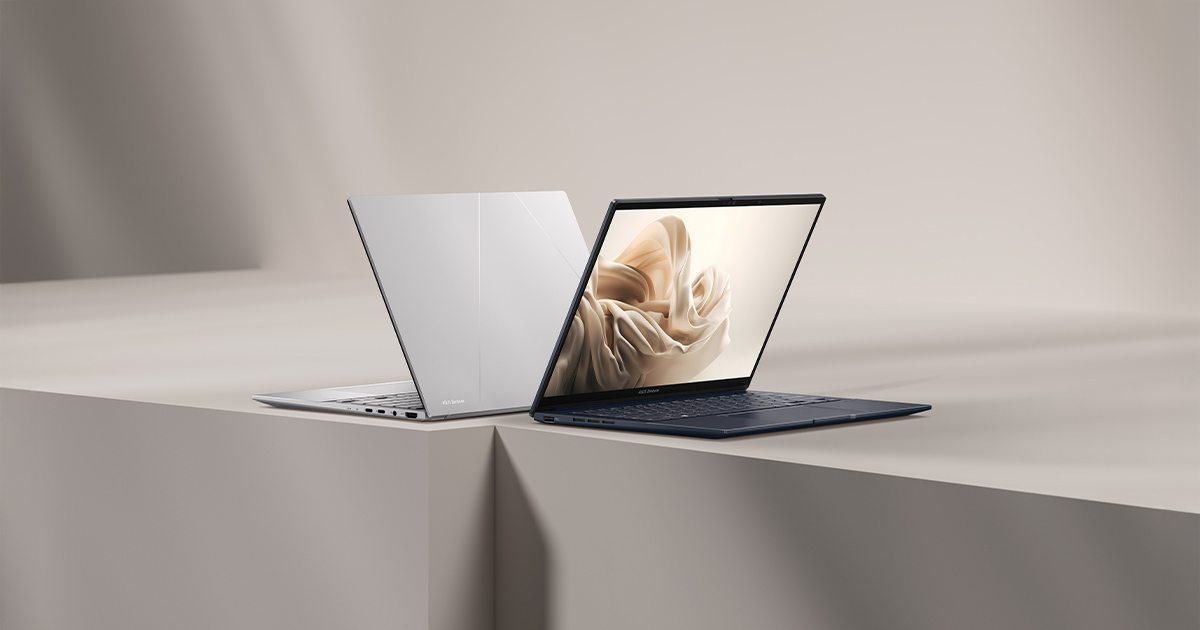
An external GPU, or eGPU, is a desktop graphics card housed in its own enclosure with its own power supply, connected to a laptop over a high-speed cable — typically Thunderbolt or USB4. The pitch is appealing: keep a thin, light, quiet laptop for everyday use and travel, then plug into desktop-class graphics power at a desk for gaming or GPU-accelerated work. In practice, eGPUs are a genuinely useful solution for a specific kind of buyer and a poor one for almost everyone else. This guide explains how they actually perform, what the real bottleneck is, and who should — and shouldn't — consider one in 2026.
How an eGPU actually connects
The laptop and the external enclosure communicate over a Thunderbolt or USB4 cable, which is a huge convenience compared to older external GPU solutions that required opening a laptop's chassis. The trade-off is bandwidth: Thunderbolt and USB4 top out at a small fraction of the bandwidth a desktop GPU gets from a native PCIe x16 slot inside a desktop tower. That bandwidth ceiling is the single most important fact about eGPUs, because it means an external GPU will never perform quite as well as the same graphics card would inside a real desktop — the connection itself is the bottleneck, not the GPU.
The performance gap is real, but so is the upgrade
How much performance is actually lost depends heavily on the specific game or workload, but a reasonable rule of thumb is that an eGPU delivers meaningfully less than its desktop-equivalent card would inside a tower, with the gap widening in GPU-bound, high-resolution scenarios where more data needs to move across that Thunderbolt link every frame. Even accounting for that loss, the upgrade over a laptop's built-in graphics is still dramatic. A laptop like the Zenbook 14 OLED, built around Intel Arc integrated graphics rather than a discrete mobile GPU, would see an enormous jump in gaming capability from any reasonably modern eGPU — the comparison that matters for most eGPU buyers isn't "eGPU versus desktop," it's "eGPU versus the integrated or entry-level graphics already in the laptop," and by that measure the upgrade is usually worthwhile.
Who an eGPU actually makes sense for
The ideal eGPU buyer already owns — or specifically wants — a thin, light, business-class or productivity laptop with weak or integrated graphics, and wants serious gaming or GPU-accelerated creative performance only when at a desk, without buying and maintaining a second full desktop. Someone using a laptop like the XPS 13 or a similarly compact ultrabook for work and travel, who wants console-or-better gaming performance at home in the evening, is exactly the use case eGPUs were built for. It also suits GPU-accelerated creative work — certain video editing, 3D rendering, and AI/ML workloads can lean on an eGPU's compute power when docked, while the laptop stays light for the rest of the day.
Who should skip it
If a laptop already has a strong discrete mobile GPU — the kind found in the ROG Strix G16 or Blade 16 — an eGPU brings little additional value, since the laptop is already built around delivering that performance on its own, without an extra enclosure, extra desk space, and extra cost. Buyers who mainly want better graphics for gaming on the go, rather than at a fixed desk location, are also poorly served by eGPUs, since the enclosure and its separate power supply stay tethered to one location and aren't something you travel with. And anyone chasing maximum possible frame rates at minimum cost is almost always better served buying a proper desktop outright — an eGPU enclosure plus a discrete GPU frequently costs more than an equivalent complete desktop tower, purely because of the specialized enclosure and internal power supply.
Integrated graphics laptops benefit the most
The laptops that gain the most from an eGPU are the ones shipping with integrated graphics rather than a discrete mobile GPU. A Vivobook S14 running AMD Radeon 890M integrated graphics, for example, is built for battery life and portability, with graphics performance calibrated for everyday tasks rather than gaming — plugging that kind of laptop into an eGPU enclosure at a desk transforms it into a genuinely capable gaming machine without sacrificing the thin, light, long-battery-life profile it was bought for in the first place. Compare that to a desktop gaming rig running something like a 16GB RTX 5080 — an eGPU won't fully match that level of desktop-class output once the Thunderbolt bandwidth ceiling is factored in, but it closes the overwhelming majority of the gap versus staying on integrated graphics alone, which is the realistic comparison most eGPU buyers should be making.
Practical considerations before buying
Not every laptop supports eGPUs equally well — check that the specific model has a Thunderbolt or USB4 port that supports external graphics, since not all high-speed ports are wired for it. Enclosure power supply wattage matters too, since high-end desktop GPUs can draw substantial power under full load, and an underpowered enclosure will bottleneck or destabilize a capable card. Finally, budget for the enclosure itself as a separate, non-trivial cost on top of the graphics card — quality enclosures with good power delivery and cooling are not cheap, which is part of why the total cost of an eGPU setup needs to be compared honestly against simply building a small desktop.
The bottom line
An eGPU is a smart, targeted solution for someone who needs a genuinely portable laptop most of the time and wants desktop-tier graphics only when docked at a desk — not a universal upgrade path for every laptop owner. For gaming laptops that already ship with strong discrete GPUs, or for buyers who want maximum performance per dollar without portability constraints, a real desktop or a laptop with better built-in graphics is the more sensible purchase.
For related buying advice, see our guides on laptop GPUs vs. desktop GPUs and how much VRAM you actually need, or read our Zenbook 14 OLED review to see the kind of thin laptop that benefits most from an eGPU.