How to Choose a Laptop CPU in 2026: A Practical Buying Guide
CPU shopping gets confusing fast once you're staring at a spec sheet full of core counts, clock speeds, and generation names that don't obviously map to real-world performance. Rather than explain this in the abstract, it's more useful to walk through real CPUs from laptops and desktops we've actually tested, because the differences between them tell you far more about what actually matters than a raw core-count comparison ever could.
Core count: more isn't always what you need
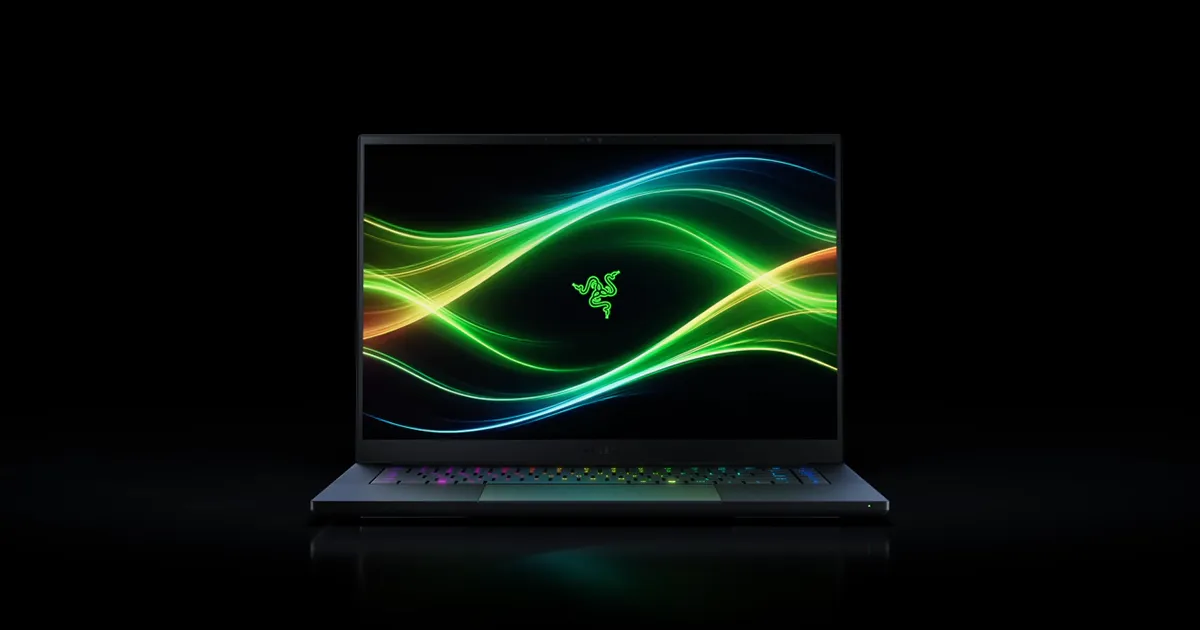
The ROG Strix G16's 16-core Ryzen 9 9955HX3D and the Razer Blade 16 (2026)'s 16-core Intel Core Ultra 9 386H both represent the high end of laptop core counts today, and they genuinely matter for heavily multi-threaded work like video encoding, 3D rendering, or compiling large codebases. But the Dell XPS 13 (9300)'s 4-core Core i7-1065G7 still handles browsing, office work, and video calls without real complaint, because most everyday computing simply doesn't saturate more than a handful of cores at once. If your workload is genuinely multi-threaded, more cores are worth paying for. If it isn't, you're often paying for headroom you'll never use.
Clock speed and single-thread performance
Gaming performance, UI responsiveness, and most single-application tasks lean much more heavily on single-thread speed than on core count. The AMD Ryzen 7 9800X3D inside the NZXT Player: Three desktop is a good example: it's only an 8-core chip, fewer cores than either of the 16-core laptop CPUs mentioned above, but its 3D V-Cache gives it a real single-thread and cache-bound advantage in CPU-limited games like strategy titles and simulations, where a higher core count alone wouldn't help nearly as much. Core count and single-thread performance are genuinely different things, and marketing tends to lean on the bigger number even when it isn't the more relevant one for your actual use case.
Integrated versus discrete graphics
Whether a CPU ships with meaningful integrated graphics or expects you to pair it with a discrete GPU changes the buying calculation entirely. The Zenbook 14 OLED's Intel Core Ultra 9 285H relies on integrated Intel Arc graphics — genuinely fine for browsing, video, and light creative work, but not built for serious gaming. The Vivobook S14's Ryzen AI 9 HX 370 pairs with integrated AMD Radeon 890M graphics, which handles light gaming noticeably better than most integrated Intel options. Neither comes close to a dedicated GPU like the RTX 5070 or RTX 5070 Ti found in gaming laptops, and no amount of CPU shopping substitutes for a discrete GPU if gaming or GPU-accelerated work is actually part of your workload.
Efficiency versus raw power
Apple's M2 chip, as used in the MacBook Air, is the clearest example on this list of prioritizing efficiency over raw core count — an 8-core chip that trades peak multi-core throughput for genuinely excellent battery life and fanless, silent operation under most everyday loads. AMD's Ryzen AI HX-series chips take a similar efficiency-conscious approach while still offering more raw cores than Apple's design. If your priority is battery life and quiet operation over benchmark scores, efficiency-focused architecture matters more than headline core counts.
NPUs and on-device AI
Newer chips like the Intel Core Ultra series and AMD's Ryzen AI series both include dedicated neural processing units (NPUs) for on-device AI tasks — background blur in video calls, local transcription, and other Copilot+-style features that run without hitting the CPU or GPU directly. Most buyers won't actively seek these features out today, but if you're buying a laptop you expect to keep for four or five years, an NPU is increasingly a forward-looking feature worth having rather than a genuinely urgent one right now.
Desktop CPUs: a different set of tradeoffs
Desktop CPUs like the Ryzen 5 9600X in the NZXT Player: Two and the Ryzen 7 9800X3D in the Player: Three aren't constrained by the same thermal and battery limits as laptop chips, which is why they can sustain higher clock speeds for longer under load. If you're buying a desktop rather than a laptop, the CPU-selection logic shifts: cooling capacity and power delivery matter as much as the chip itself, since a capable CPU throttled by inadequate cooling won't perform meaningfully better than a cheaper one that's properly cooled.
Matching the CPU to your actual workload
The practical takeaway across all of these real examples is the same: buy for your actual workload, not for the biggest number on the spec sheet. Video editors and developers compiling large projects benefit genuinely from high core counts. Gamers benefit more from single-thread performance and a capable GPU than from raw core count alone. Anyone prioritizing battery life and portability benefits more from an efficiency-focused chip like Apple's M-series or AMD's Ryzen AI lineup than from a higher-wattage, higher-core-count part that will rarely run at full tilt on battery anyway.
A real-world example: two 8-core chips, two very different jobs
The ASUS Vivobook S14's Ryzen AI 9 HX 370 and the Ryzen 7 9800X3D in the NZXT Player: Three both sit in a similar core-count bracket, yet they're built for almost opposite jobs. The Vivobook's chip prioritizes power efficiency and integrated graphics capability for a fanless-leaning, battery-powered ultraportable, while the desktop chip prioritizes sustained boost clocks and 3D V-Cache for gaming and creative workloads with no battery constraint at all. Comparing their core counts side by side tells you almost nothing useful; comparing what each chip is actually optimized for tells you everything.
Generation matters as much as the model number
It's also worth remembering that CPU generation shifts the entire conversation. The Lenovo ThinkPad X1 Carbon's Core i7-4600U was a genuinely capable chip in 2014, but more than a decade of architectural improvements means even a much lower-specced current chip will outperform it in nearly every practical scenario today. When comparing CPUs across different launch years, treat the model number as far less informative than the generation and platform it belongs to — a newer 4-core chip can, in some cases, outperform an older 8-core one on real-world tasks.
Verdict
There's no single "best" CPU in 2026 — only the right CPU for a specific workload, and the laptops and desktops we've reviewed make that concrete rather than theoretical. Match core count to how multi-threaded your actual work is, weigh single-thread performance if gaming matters, consider integrated graphics honestly if you don't need a discrete GPU, and don't underrate efficiency-focused chips if battery life matters more to you than benchmark charts.