13-inch vs. 14-inch vs. 16-inch Laptops in 2026: How Much Screen Size Actually Matters
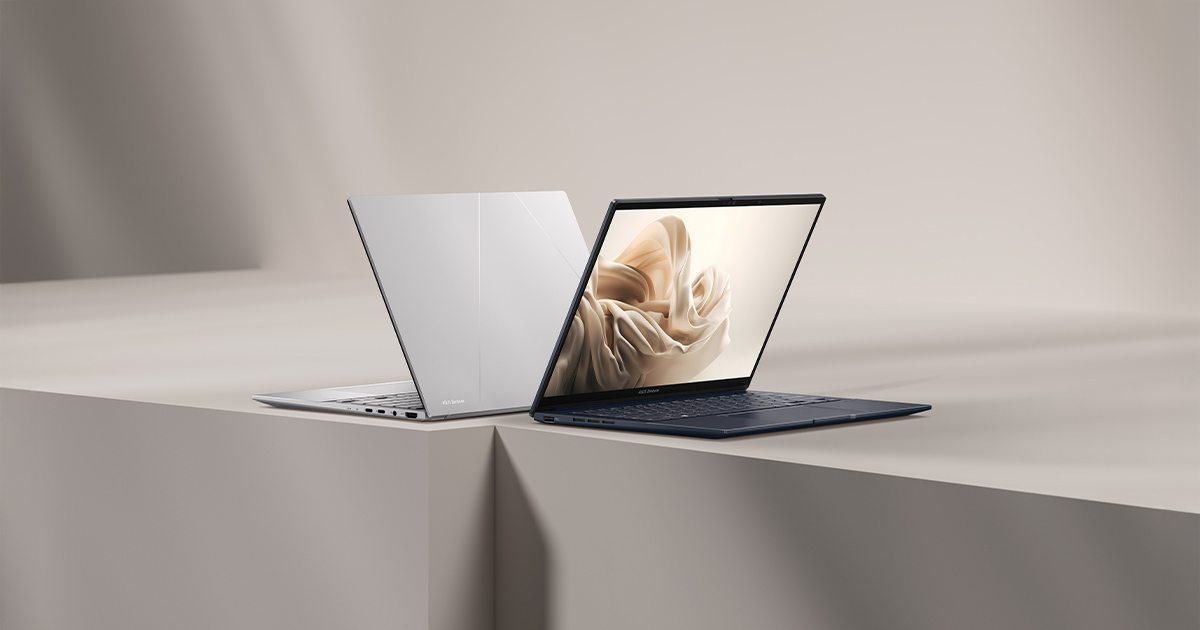
Screen size gets far less airtime in laptop-buying discussions than CPU, GPU, or even panel technology, but it quietly shapes how a laptop feels every single day more than almost any other spec. Two laptops with identical resolution and refresh rate can feel completely different to use if one is 13.4 inches and the other is 16 inches. Our own catalog happens to span a genuinely useful range for this comparison — from the Dell XPS 13 at 13.4 inches up to the ROG Strix G16 and Razer Blade 16 at a full 16 inches — so we can talk about this with real machines instead of abstractions.
13 to 13.6 Inches: The Travel-First Category
At the small end of our catalog sit the MacBook Air 13-inch (13.6 inches, 2560x1664) and the Dell XPS 13 (13.4 inches, 3840x2400 on the top configuration). Both weigh right around 1.25kg, and both are built around the idea that the laptop should disappear into a bag and barely register on your back or shoulder during a commute. The tradeoff is screen real estate: at 13-13.6 inches, you're realistically running one full-width application at a time, or splitting the screen into two narrow panes at best. For writing, browsing, video calls, and light spreadsheet work, that's not a real limitation. For anyone doing serious multi-window work — comparing documents side by side, running a code editor next to a terminal and a browser — it starts to feel cramped, no matter how sharp the underlying resolution is.
14 Inches: The Sweet Spot Almost Everyone Lands On
Six of the ten laptops in our catalog use a 14-inch panel, and that's not a coincidence — it's the size the industry has converged on as the best compromise between portability and usable screen space. The Zenbook 14 OLED, Vivobook S14, ThinkPad X1 Carbon, EliteBook 840 G8, ROG Zephyrus G14, and Razer Blade 14 all fall into this bracket, despite being wildly different laptops otherwise — two productivity ultrabooks, two business machines, and two compact gaming laptops. At 14 inches, you gain meaningfully more vertical and horizontal space than a 13-inch panel without the weight and bulk penalty a 16-inch chassis carries. It's genuinely the size where a 14-inch 3K (2880x1800) OLED panel, like the one in the Zenbook 14 OLED and Zephyrus G14, starts to feel spacious rather than merely "fine," while the laptop itself still weighs close to what a 13-inch machine weighs.
16 Inches: Desktop-Replacement Territory
The ROG Strix G16 and Razer Blade 16 both step up to 16-inch panels, and this is where screen size starts trading directly against portability rather than being a free upgrade. The Strix G16 runs a 16-inch 2.5K (2560x1600) 240Hz IPS panel and weighs 2.5kg — nearly a full kilogram heavier than the 14-inch gaming laptops in our catalog. That extra size and weight buys you meaningfully more usable desktop space for multitasking, video editing timelines, or side-by-side reference material while gaming or working, plus more physical room inside the chassis for a bigger battery and better cooling. If you rarely take your laptop anywhere and mostly use it parked on a desk, 16 inches stops being a compromise and starts being a genuine upgrade — this is what people mean by "desktop replacement" laptops.
How Screen Size Interacts With Resolution and Pixel Density
It's easy to assume bigger is automatically sharper, but that's backwards unless resolution scales up with the panel. A 13.4-inch XPS 13 at 3840x2400 has a considerably higher pixel density than a 16-inch Strix G16 at 2560x1600, even though the Strix G16's panel is physically larger — the smaller screen is actually packing more pixels into less space. In practice this mostly affects text and UI sharpness rather than perceived overall image quality, since operating systems scale interface elements to compensate, but it's worth knowing that "bigger screen" and "sharper screen" are two separate axes that don't always move together, and a laptop's display resolution deserves its own separate evaluation from its physical size.
Desk Space and External Monitor Habits Matter Too
One underrated factor in choosing screen size is how you actually plan to use the laptop day to day. If you're always docking to an external monitor at a desk, the built-in panel size barely matters — you could buy the smallest, lightest 13-inch machine and never notice, since your actual working screen is the external display. If you're frequently working untethered from a desk — on a couch, in transit, at a coffee shop, in meeting rooms — the built-in panel is doing all the real work, and that's when the jump from 13 to 14 to 16 inches becomes the difference between a laptop that feels adequate and one that feels genuinely comfortable for extended sessions.
Aspect Ratio Changes the Math Too
Diagonal screen size alone doesn't tell the whole story, because aspect ratio changes how much usable vertical space a given diagonal measurement actually delivers. The XPS 13's 16:10 panel and the MacBook Air's similarly tall aspect ratio both pack noticeably more vertical space into their 13-inch diagonal than an older 16:9 panel of the same size would, which is a big part of why modern 13-inch ultrabooks feel less cramped for document and web browsing than 13-inch laptops did a decade ago. The gaming-oriented 16-inch and 14-inch panels in our catalog — the Strix G16, Blade 16, Zephyrus G14, and Blade 14 — mostly stick to 16:10 as well now, which is worth checking independently of the raw diagonal number when you're comparing two laptops that are nominally "the same size."
Bezels and Chassis Footprint Don't Always Scale With Screen Size
A final wrinkle: screen size doesn't map perfectly onto how much physical desk or bag space a laptop actually occupies, because bezel thickness varies significantly across our catalog. A 14-inch laptop with thick, dated bezels can have nearly the same overall chassis footprint as a 15-inch laptop with slim modern bezels, which means the physical dimensions listed in a spec sheet are sometimes more useful than the screen-size number alone when you're deciding whether a laptop will actually fit comfortably on a small desk, an airplane tray table, or a specific laptop sleeve you already own. It's a minor point compared to the core screen-size tradeoffs above, but it's the kind of detail that only shows up once you've actually measured the machine rather than just reading its marketing spec sheet.
Our Recommendation by Use Case
For pure travel and portability, stick with 13-13.6 inches — the XPS 13 and MacBook Air both excel here, as covered in our best ultraportable laptops guide. For nearly everyone else, 14 inches is the size we'd default to: it's roomy enough for real multitasking, light enough to carry daily, and it's what six of our ten catalog laptops — spanning business, creative, and gaming use cases — have independently converged on. Reserve 16 inches for situations where the laptop mostly lives on a desk and the extra screen space and cooling headroom genuinely outweigh the added weight and reduced battery life per watt-hour of battery capacity carried.