Mini-ITX Small Form Factor Builds in 2026: What You Gain, What You Give Up
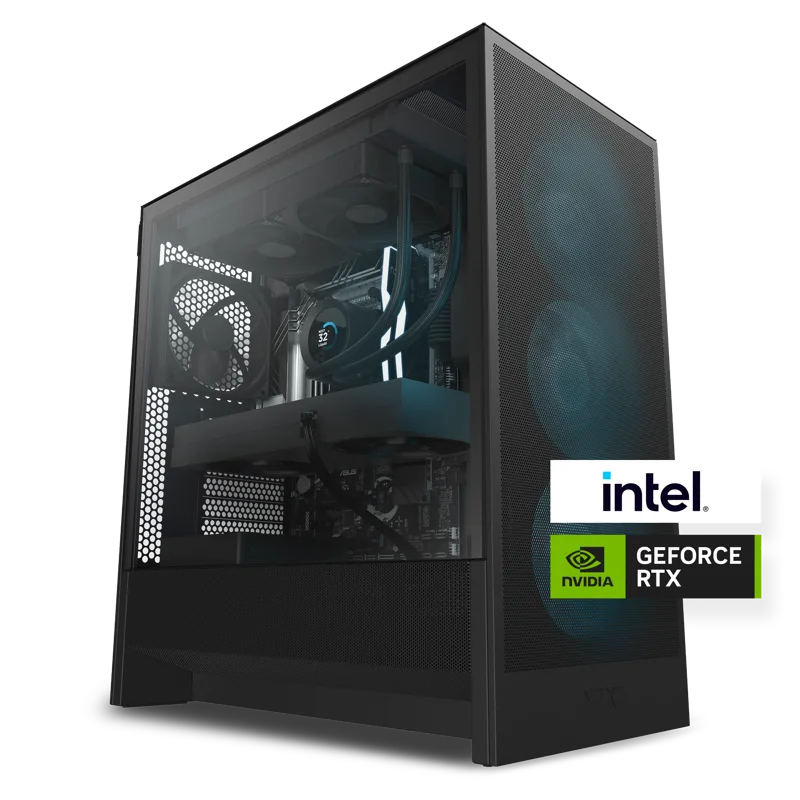
Mini-ITX is the smallest standard motherboard form factor still capable of running full desktop-class hardware, and building around one means accepting real, specific compromises in exchange for a genuinely small footprint. It's a different design philosophy from the mid-tower ATX approach used in prebuilt systems like the NZXT Player: Two, and understanding exactly what changes is the difference between a satisfying compact build and a frustrating one.
What Mini-ITX actually is
A Mini-ITX motherboard measures roughly 17x17cm, compared to a standard ATX board's 30.5x24.4cm — a dramatic reduction in physical space that ripples through every other component choice in the build. There's room for exactly one PCIe slot, meaning a single graphics card and nothing else, two memory slots instead of four, and far less space around the CPU socket for a large air cooler. Every decision in a Mini-ITX build starts from these hard physical limits rather than from a wish list.
The single biggest constraint: GPU clearance
Small cases built around Mini-ITX boards vary enormously in how large a graphics card they can physically fit, and this is the constraint that derails more Mini-ITX builds than any other. A high-end card sized for a full ATX tower — the kind of GPU footprint you'd see paired with a 16GB RTX 5080 in a system like the NZXT Player: Three — often simply won't fit in a genuinely compact ITX case without switching to a shorter, sometimes more expensive, version of the same GPU. Always check a case's maximum supported GPU length before shopping for the graphics card, not after.
Riser cables and vertical GPU mounting
Some compact ITX cases solve part of the clearance problem by mounting the graphics card vertically on a PCIe riser cable rather than flat against the motherboard, which can let a case accept a physically longer card than its horizontal clearance alone would suggest. The tradeoff is that early, poor-quality riser cables sometimes introduced a measurable performance penalty or signal-integrity issues at high PCIe bandwidth, so it's worth confirming a case uses a reputable, sufficiently rated riser before relying on this approach for a high-end GPU.
Cooling in a smaller volume
Less internal volume means less room for airflow and for large heatsinks, which is why thermal management is the second major challenge in any Mini-ITX build. Compact low-profile air coolers exist and work reasonably well for moderate-wattage CPUs, but a genuinely high-wattage chip under sustained load in a small case needs either a small-form-factor all-in-one liquid cooler or very careful fan placement to avoid the kind of throttling that a roomier ATX case, with the fan layout described in our case airflow guide, simply doesn't have to worry about as much.
Power supply: SFX instead of ATX
Mini-ITX cases typically require a compact SFX-format power supply rather than a standard ATX unit, since a full-size ATX PSU is often physically too long to fit alongside a graphics card in a small chassis. SFX units are available across a wide wattage range today, so this isn't the limitation it once was, but it does mean shopping from a smaller pool of available units, and SFX PSUs frequently carry a price premium over an equivalently rated ATX unit for the same wattage.
Memory and storage: fewer slots, same capacity
Two memory slots instead of four isn't usually a practical problem in 2026, since a pair of 16GB or 32GB modules easily reaches capacities that satisfy nearly every use case — it just means no incremental upgrade path later without replacing both modules at once. Storage is less constrained than it used to be, since most Mini-ITX boards still include two or more M.2 NVMe slots, so a fast, high-capacity SSD setup is entirely achievable in a small build.
Why build Mini-ITX at all
The appeal is straightforward: a genuinely small desktop that still runs desktop-class components, ideal for a media-center setup, a desk with limited space, or simply a builder who values a compact footprint over maximum expandability. It's a legitimate alternative to buying a laptop for people who want desktop performance without a full-size tower dominating the room, though it demands more careful component shopping than an ATX build does.
Noise levels in a small chassis
A common assumption is that small cases are automatically louder than mid-towers because fans have to work harder in less internal volume, and there's real truth to that — a Mini-ITX build pushing genuinely high-end components does tend to run its fans faster and more audibly than the same hardware would in a roomier ATX case with the more forgiving airflow paths described in our case airflow guide. Builders who prioritize silence above all else should generally budget for a slightly less powerful GPU than they'd choose for an ATX build, simply to keep the thermal load manageable at lower, quieter fan speeds.
Motherboard feature tradeoffs at ITX size
Beyond the obvious reduction in PCIe and memory slots, a Mini-ITX board also has less physical space for VRM (voltage regulation) components, fewer fan headers, and often a single M.2 slot mounted on the underside of the board where it gets less direct airflow than a slot on an ATX board's front face. None of these are dealbreakers on their own, but they add up to a board that generally supports a narrower range of high-end CPUs at sustained full power than an equivalent ATX board from the same product line, which is worth checking against your specific CPU choice before committing to a case.
Is it worth the extra planning effort?
For most first-time builders, a standard ATX case remains the easier and more forgiving starting point, with far more component compatibility and cooling headroom to work with, and none of the GPU-length or PSU-format research a Mini-ITX build demands. Mini-ITX makes sense specifically for builders who already know their GPU and cooling requirements precisely and want to optimize hard for physical footprint — read our motherboard buying guide for how to weigh form factor against the other things a motherboard determines, since board size interacts with nearly every other component decision in a small-form-factor build.