Soldered vs. Upgradeable RAM: What You Actually Give Up in a 2026 Laptop
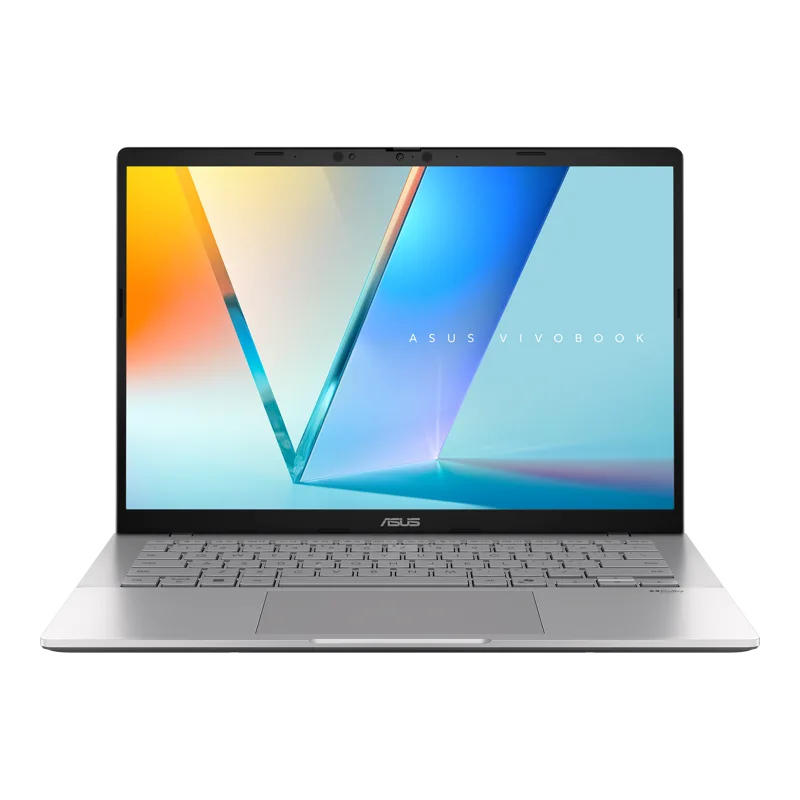
One of the most consequential — and least discussed — decisions a laptop maker makes isn't the CPU or GPU, it's whether the RAM is soldered directly to the motherboard or installed in replaceable SO-DIMM slots. It's a decision that doesn't show up in a spec-sheet comparison at all, yet it determines whether a laptop's useful life can be extended with a simple upgrade or is permanently capped the day you buy it.
The case for soldered memory: thinner, faster, more reliable
Manufacturers solder RAM for real engineering reasons, not just cost-cutting. Soldered memory sits closer to the CPU, enabling higher clock speeds and shorter signal paths than a socketed module can achieve, and it removes a physical connection point that can loosen or fail over years of use. The ASUS ROG Zephyrus G14 (2024) uses 32GB of soldered LPDDR5X-6400 specifically to hit its 1.5kg weight target — a socketed module simply wouldn't fit the thermal and space budget of that chassis without compromising something else.
The case for upgradeable memory: buying time, not just capacity
The ASUS ROG Strix G16 (2025) takes the opposite approach, shipping with a more conservative 16GB of DDR5-5600 but leaving the slots accessible and expandable up to 64GB. That's a meaningfully different value proposition: buyers aren't locked into whatever felt sufficient on the day of purchase, and if 16GB starts to feel tight in two or three years as software grows more memory-hungry, the fix is a straightforward component swap rather than a full laptop replacement.
Apple''s approach: soldered, but overprovisioned
Apple's MacBook Air 13-inch (M2, 2022) takes a third approach entirely: unified memory soldered directly alongside the M2 chip, with no upgrade path whatsoever after purchase. Apple compensates for this rigidity by offering configurations up to 24GB and by optimizing macOS's memory management tightly around the exact hardware it ships on, which in practice means the base configuration feels less memory-constrained than a Windows machine with the same soldered RAM amount might.
How to decide which approach matters for you
If you tend to keep laptops for five or more years, or you're the kind of user who runs increasingly memory-hungry software over that time, upgradeable RAM is a genuine hedge against needing to fully replace a machine that's otherwise still perfectly capable. If you replace laptops every two to three years regardless, or you're buying into an ecosystem like Apple's where the base configuration is already generous, soldered memory's thinness and efficiency advantages become the more compelling tradeoff, since you're unlikely to hit the ceiling before you'd have upgraded anyway.
Storage tells a similar story
The same logic extends to storage in many of these machines. The Strix G16, alongside its upgradeable RAM, also leaves room for a second M.2 NVMe drive, letting buyers add capacity later rather than being permanently locked to their initial configuration. Laptops that solder or single-slot their storage force the same all-or-nothing decision at purchase time that soldered RAM does, so it's worth checking both specs together rather than evaluating memory and storage upgradeability independently.
Business laptops often split the difference
Business-oriented machines frequently land in a middle ground: DDR4 or DDR5 in accessible slots, prioritizing IT department serviceability and multi-year deployment cycles over the thinness that consumer ultraportables chase. That's a deliberate design choice for a very different buyer than the one shopping a Zephyrus G14 or a MacBook Air, and it's part of why business laptops tend to look chunkier despite often having less powerful internals — the extra internal volume goes toward physical upgrade paths and repairability, not raw performance.
Desktop prebuilts sidestep this entirely
Prebuilt desktops like the NZXT Player: Two avoid the soldered-memory question altogether, since standard ATX-compatible desktop builds almost universally use socketed DIMMs. That's one of the structural advantages a desktop prebuilt has over even a premium ultraportable laptop: the upgrade path for memory, storage, and eventually the GPU itself stays open for the system's entire useful life, without the space and thermal constraints that push laptop manufacturers toward soldering components in the first place. It's a tradeoff worth factoring into the broader laptop-versus-desktop decision, not just the memory question in isolation.
What to actually check before buying
Rather than treating soldered-versus-socketed as a simple pass/fail filter, weigh it against how the rest of the laptop is configured. A soldered-RAM laptop with a genuinely generous base configuration, like the Zephyrus G14's 32GB, poses much less long-term risk than a soldered-RAM laptop shipping with a bare-minimum 8GB that's likely to feel tight within a year or two. Always cross-reference the base RAM amount against your actual workload expectations before assuming a soldered design is automatically a dealbreaker, and factor in how long you realistically plan to keep the machine before your next upgrade cycle.
Frequently asked questions
Does soldered RAM mean worse performance? Not necessarily — soldered memory can actually run at higher speeds thanks to shorter signal paths, so the performance tradeoff isn't as simple as socketed being universally faster. Can I tell if a laptop has soldered RAM before buying? Manufacturer spec sheets usually note "onboard" or "soldered" versus listing upgrade instructions; when in doubt, a full review or teardown is the most reliable source. Is 16GB enough in 2026? For most everyday multitasking yes, but heavier users running many browser tabs alongside creative or development software will likely feel the ceiling sooner, which is exactly the scenario where upgradeable RAM earns its keep.
The resale value angle
Upgradeable memory also has a quieter benefit that rarely makes it into spec-sheet comparisons: resale value. A laptop that can be bumped from 16GB to 32GB before resale is a more attractive used purchase than a soldered machine permanently capped at whatever configuration it shipped with, and sellers of upgradeable-RAM machines often see less depreciation as a result, since the next buyer isn't inheriting a fixed ceiling on top of years of wear.