Apple MacBook Pro 14-inch (M4, 2024)
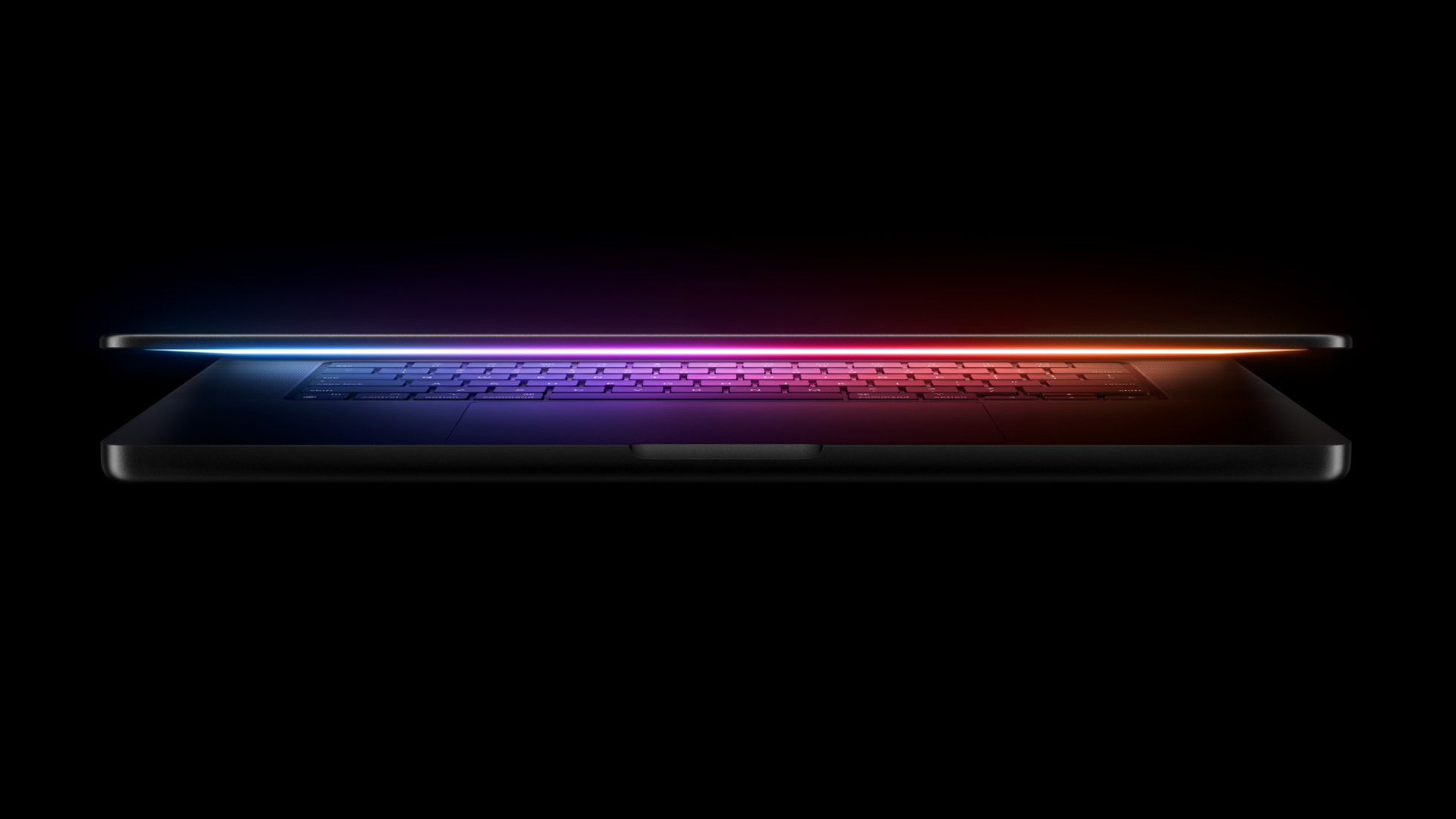
A 14-inch laptop with a bright XDR screen, three Thunderbolt ports and a chip family that spans student to studio.
Specifications
| CPU | Apple M4 (10-core: 4 performance + 6 efficiency) |
|---|---|
| GPU | 10-core Apple GPU |
| RAM | 16GB unified memory (up to 32GB) |
| Display | 14-inch Liquid Retina XDR, up to 1000 nits SDR / 1600 nits peak HDR, optional nano-texture glass |
| Battery | Up to 24 hours (Apple figure) |
| Ports | 3x Thunderbolt 4, HDMI, SDXC card slot, MagSafe 3, headphone jack |
Apple's 14-inch MacBook Pro was refreshed in October 2024 with the M4 family of chips, a new camera and an optional nano-texture display finish. The entry configuration uses the plain M4 chip, which makes it the most approachable way into the Pro line, while the M4 Pro and M4 Max options push the same body into serious workstation territory. This page focuses on the 14-inch model with the M4 chip, and explains where the higher chip options fit in so you can decide which level of hardware you actually need.
What sets the Pro apart from the Air
The simplest way to think about the MacBook Pro is that it puts performance and connectivity ahead of thinness. Compared with the lighter MacBook Air with M4, the Pro line includes a brighter display, a more capable speaker system, an HDMI port, an SD card slot and a wider choice of chips. It is aimed at people who spend long sessions on demanding tasks, or who plug into a lot of gear, and who are willing to carry a slightly more substantial machine. If most of your day is spent in a browser and word processor, the Air may be enough, and our comparison of the best ultraportable laptops gives you the wider picture.
The M4 in the 14-inch model
The 14-inch model with the M4 chip uses a 10-core CPU, made of four performance cores and six efficiency cores, and a 10-core GPU. It starts with 16GB of unified memory and can be configured up to 32GB, with 120GB/s of memory bandwidth. Apple says this is up to 1.8 times faster than the 13-inch MacBook Pro with M1 in tasks such as editing very large photos, and up to 3.4 times faster for complex 3D scene rendering in Blender. It also cites a neural engine that is more than three times as powerful as the M1 version. These figures come from Apple's own comparison with older hardware, so treat them as a general indication rather than a guarantee for your particular software.
For a student, freelancer, entrepreneur or hobbyist creator, the M4 chip is a comfortable fit. It supports two high-resolution external displays in addition to the built-in screen, which is enough for a proper desk setup. Apple positions this version as the sensible choice for people who want a pro-grade screen and ports without paying for extra processor cores they will not use. To understand why chip choice matters across the whole laptop market, read our guide to Intel, AMD and Apple silicon laptops.
Where M4 Pro and M4 Max fit
Even if you buy the M4 version, it helps to know what the higher tiers offer, because the same body carries them. The M4 Pro provides a CPU with up to 14 cores, made of ten performance and four efficiency cores, and a GPU with up to 20 cores. Apple says it increases memory bandwidth by 75 percent over the previous generation and targets researchers, developers, engineers and creative professionals. The M4 Max goes further, with up to a 16-core CPU, up to a 40-core GPU, more than half a terabyte per second of memory bandwidth and up to 128GB of unified memory. Apple says the Max can handle large language models with close to 200 billion parameters and pairs with a media engine that includes two ProRes accelerators.
The Pro and Max versions also come with Thunderbolt 5 ports, whereas the M4 model has three Thunderbolt 4 ports. If you know you will rely on very fast external storage or high-bandwidth docks, that difference alone may justify the step up. If not, the M4 model already covers the essentials.
The display
Every MacBook Pro uses a Liquid Retina XDR display. In this generation Apple says it can show standard content at up to 1000 nits of brightness and high dynamic range content at up to 1600 nits of peak brightness. The new optional nano-texture finish is designed to cut reflections and glare, which is especially useful for people who work outdoors, in bright offices or near windows. The trade-off with any matte-style finish is a subtle change in how blacks and contrast appear compared with standard glass, so if you work in controlled lighting you may prefer to skip it. It is a good idea to see both versions in person if you can.
For creative work such as photo editing and video grading, an XDR panel with high peak brightness gives more information about highlights than a standard laptop screen. For everyday tasks, it simply looks excellent. If you are comparing screens across laptops, our explainer on 13, 14 and 16 inch screens can help you decide whether the 14-inch size suits you.
Camera, sound and microphones
The 12MP Center Stage camera keeps you centred in the frame as you move around, and supports Desk View, which shows a top-down view of your desk alongside your face. Apple describes studio-quality microphones and a six-speaker sound system with support for Spatial Audio and Dolby Atmos. For people who take many video calls, present remotely or record voice-over, the built-in hardware is a strong enough base that an external microphone becomes optional rather than mandatory.
Battery life
Apple states up to 24 hours of battery life for the MacBook Pro with the M4 family, and says it is the longest of any Mac. As always, the figure comes from the manufacturer's own testing under specific conditions. Real-world use depends on screen brightness, workload and connected devices. The company attributes the endurance to the efficiency of its chips, and our guide to laptop battery life and thermal throttling explains why efficient silicon matters as much as battery capacity.
Ports and connectivity
The M4 model provides three Thunderbolt 4 ports, an HDMI port that supports up to 8K resolution, an SDXC card slot, a MagSafe 3 charging port and a headphone jack. Wireless support includes Wi-Fi 6E and Bluetooth 5.3. This wide selection is one of the practical reasons to choose a Pro over an Air, because photographers can import from cards without a dongle and presenters can connect to a projector directly. It also means you keep a charging port free by using MagSafe. For a deeper look at what to expect from laptop ports, see our guide to Thunderbolt and USB4 ports.
Software and Apple Intelligence
The laptop ships with macOS Sequoia and is designed for the company's on-device intelligence features, including writing tools and a redesigned Siri. Some features arrived in stages after launch and availability differs by language and region, so check the current situation before making a purchase decision based on them. The operating system also adds iPhone Mirroring, better window tiling and a dedicated passwords app, which are helpful extras for people already using an iPhone.
Who should buy this laptop
Students and early-career professionals who want a machine to last through years of study and work will appreciate the display and ports, and the starting memory of 16GB gives comfortable headroom. Our list of the best laptops for college students discusses how to weigh price against longevity.
Creators who edit photos, cut video or produce music find that the display, camera and speakers make the machine a complete studio in a bag. See our guide for content creators for context on what features matter most.
Developers and analysts benefit from the memory and battery life, and can move to the Pro or Max chip when workloads demand it.
Who might prefer something else
If weight and price matter more than the display and ports, the Air is easier to carry and costs less. If you want a Windows machine for gaming with a discrete graphics card, a dedicated gaming laptop such as the ROG Strix G16 is a different kind of product. Our article on gaming laptops versus ultrabooks explains the distinction. Memory and storage cannot be upgraded after purchase, so choose carefully at the time of ordering.
Environmental design
Apple says the enclosure uses 100 percent recycled aluminium and that all magnets use recycled rare earth elements. Several circuit boards use recycled tin soldering, gold plating and copper, and the packaging for the 14-inch model became entirely fibre based. These are manufacturer statements about design and materials.
Price and availability
Apple announced the new MacBook Pro on 30 October 2024 with availability from 8 November 2024. The 14-inch model with M4 started at $1,599 in the United States, or $1,499 for education, and was offered in space black and silver. The M4 Pro version started at $1,999. Prices vary by region and change over time. Detailed configuration options, including the nano-texture display and storage capacities, are set at the time of ordering.